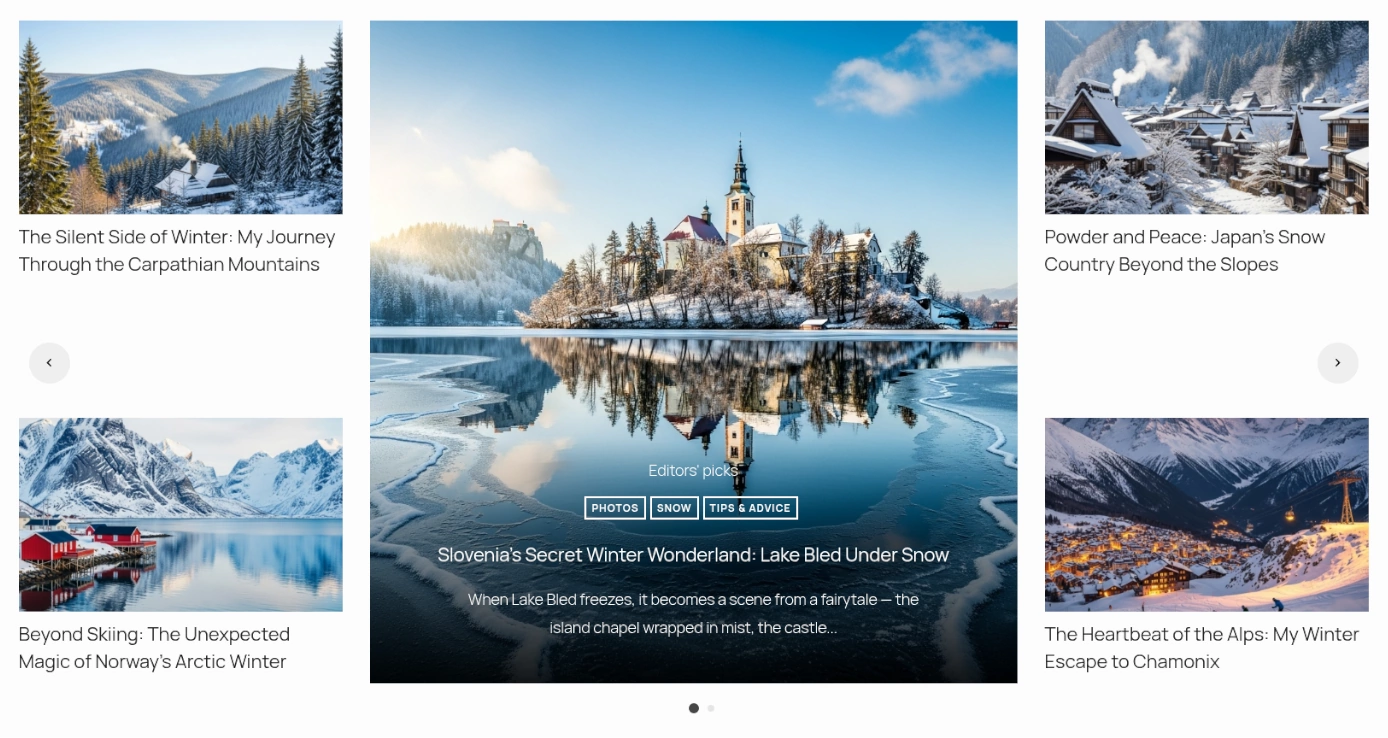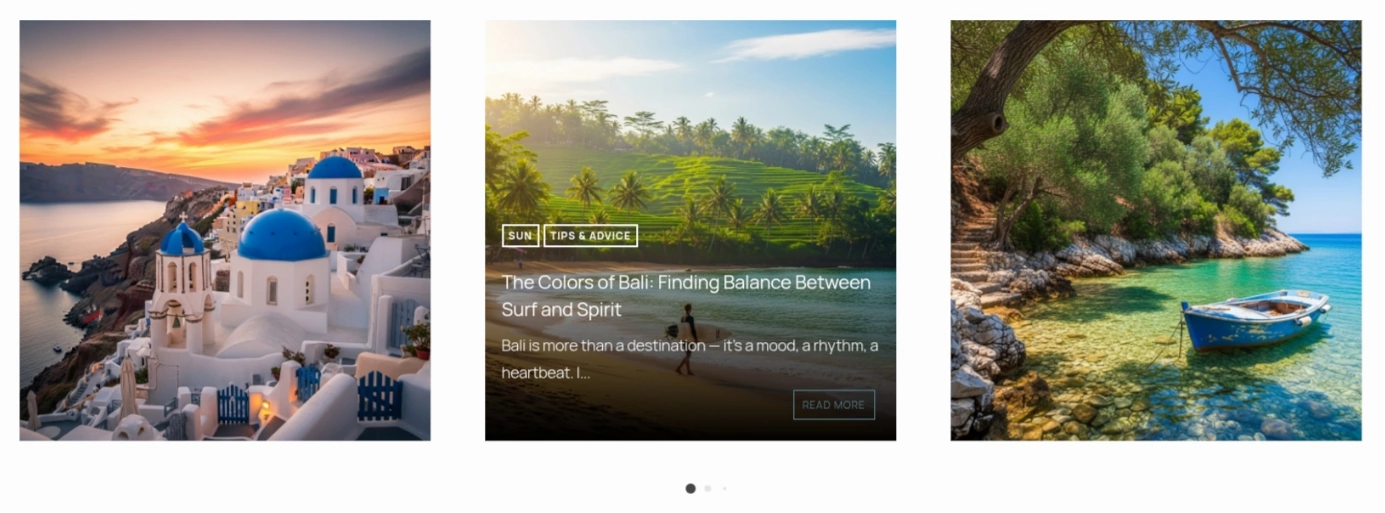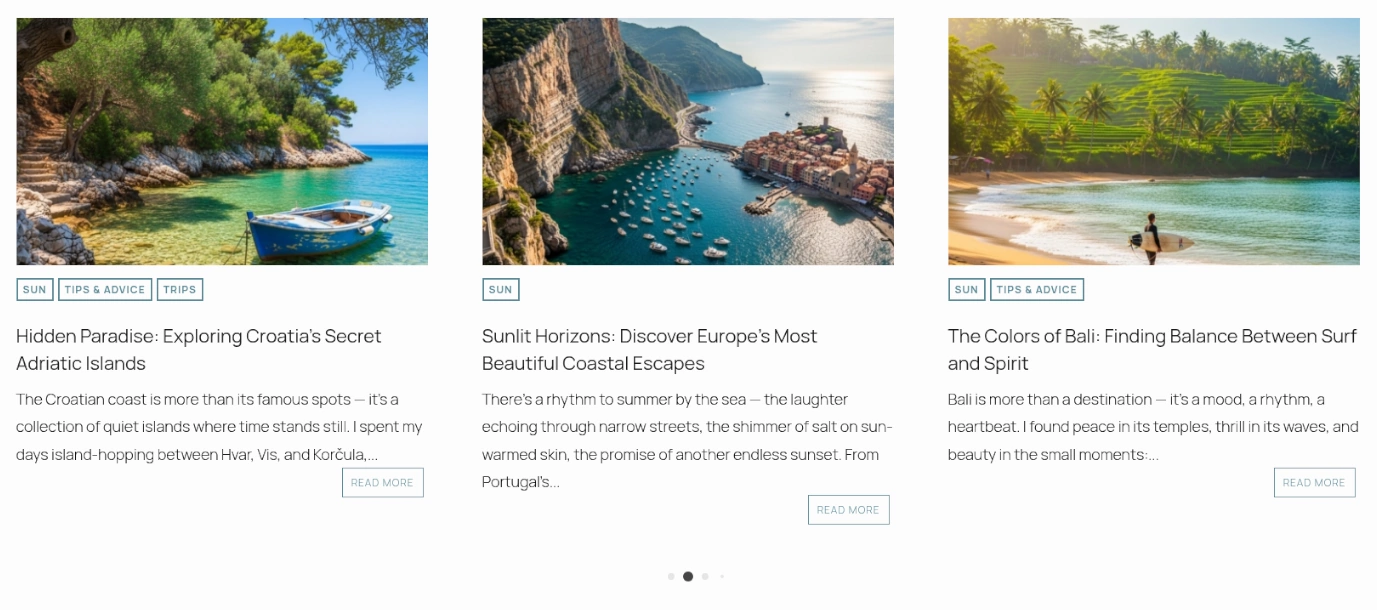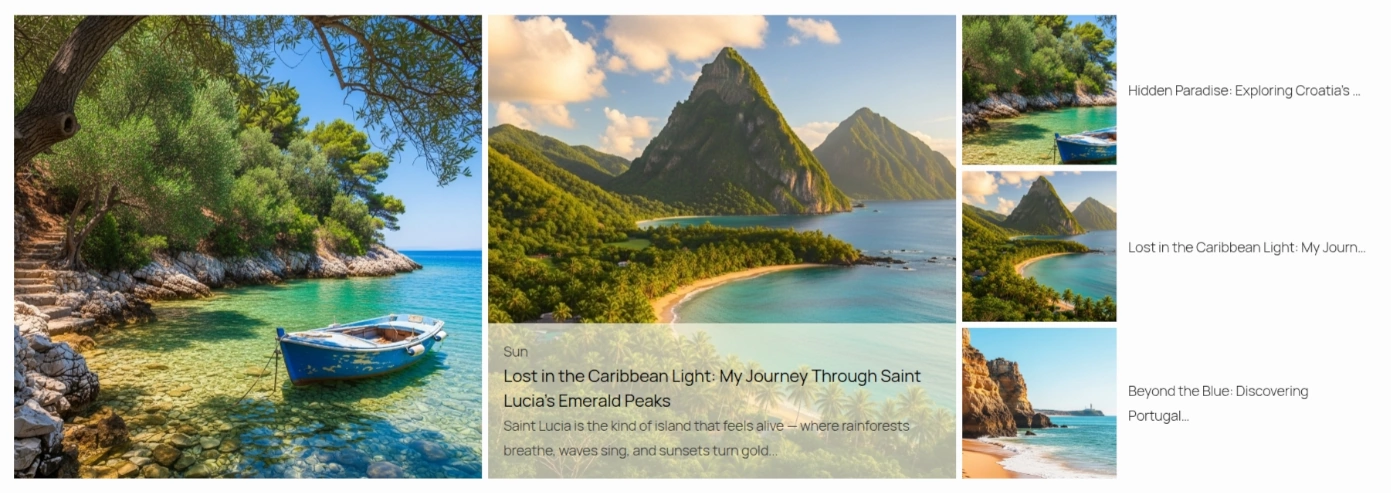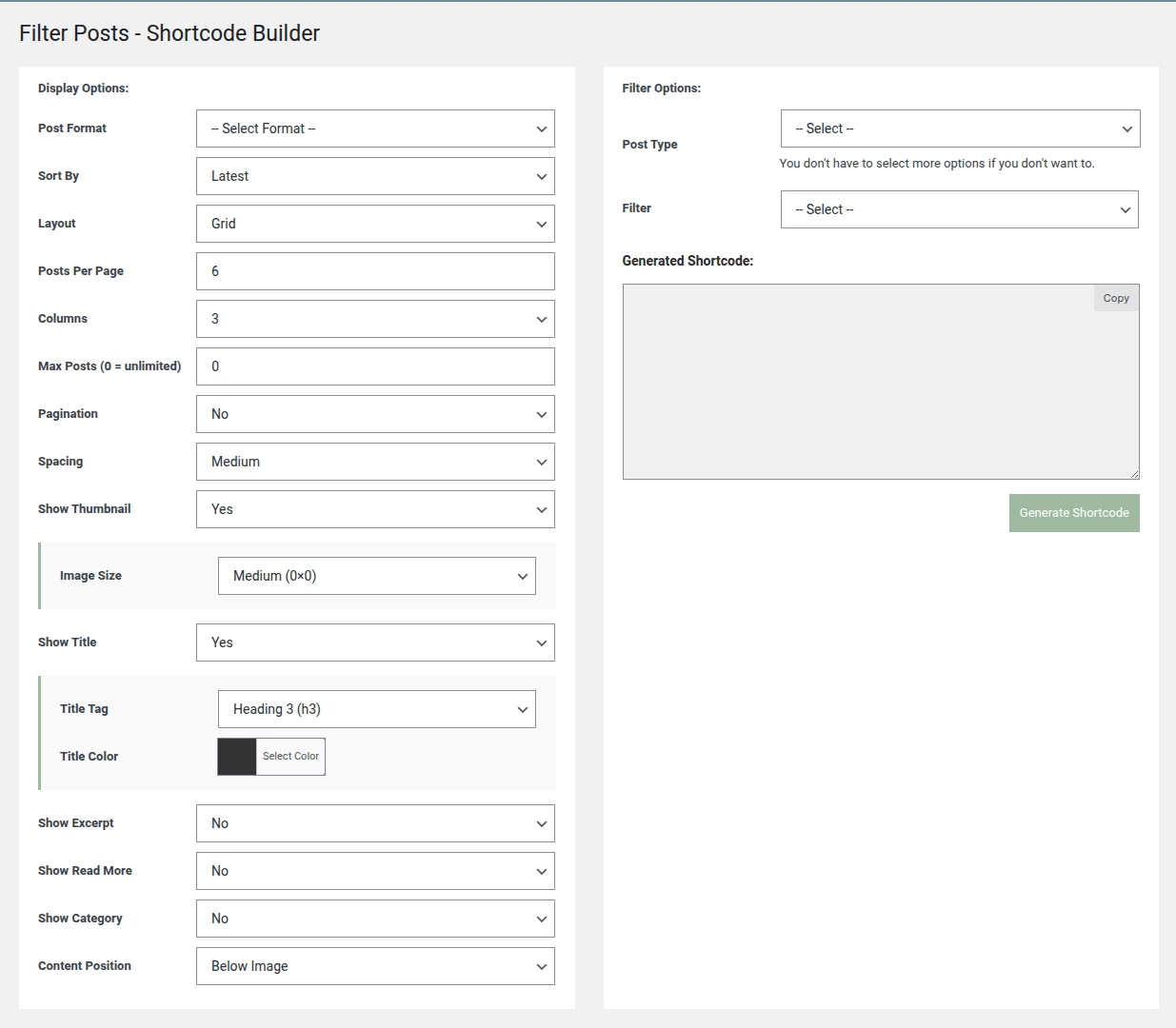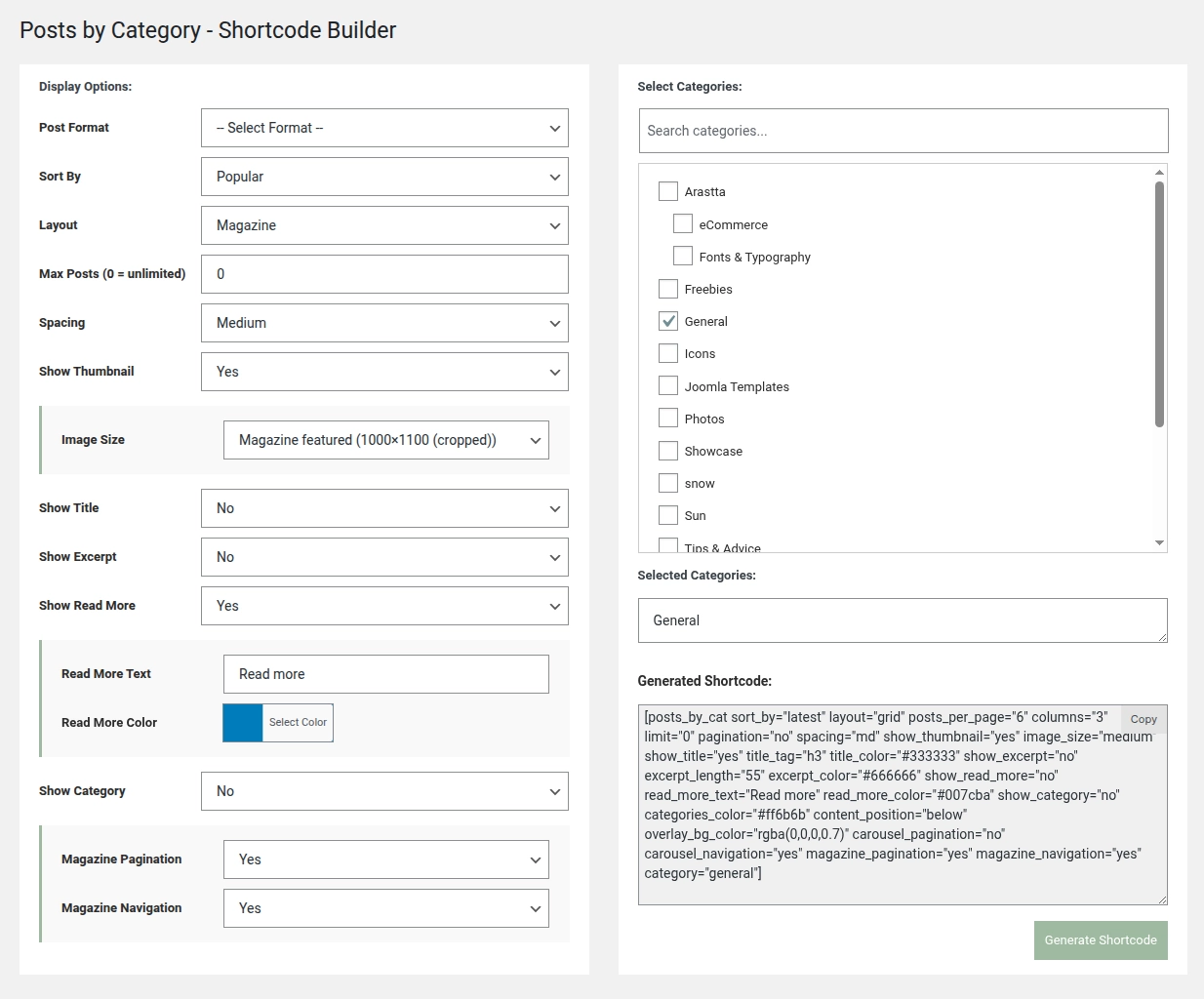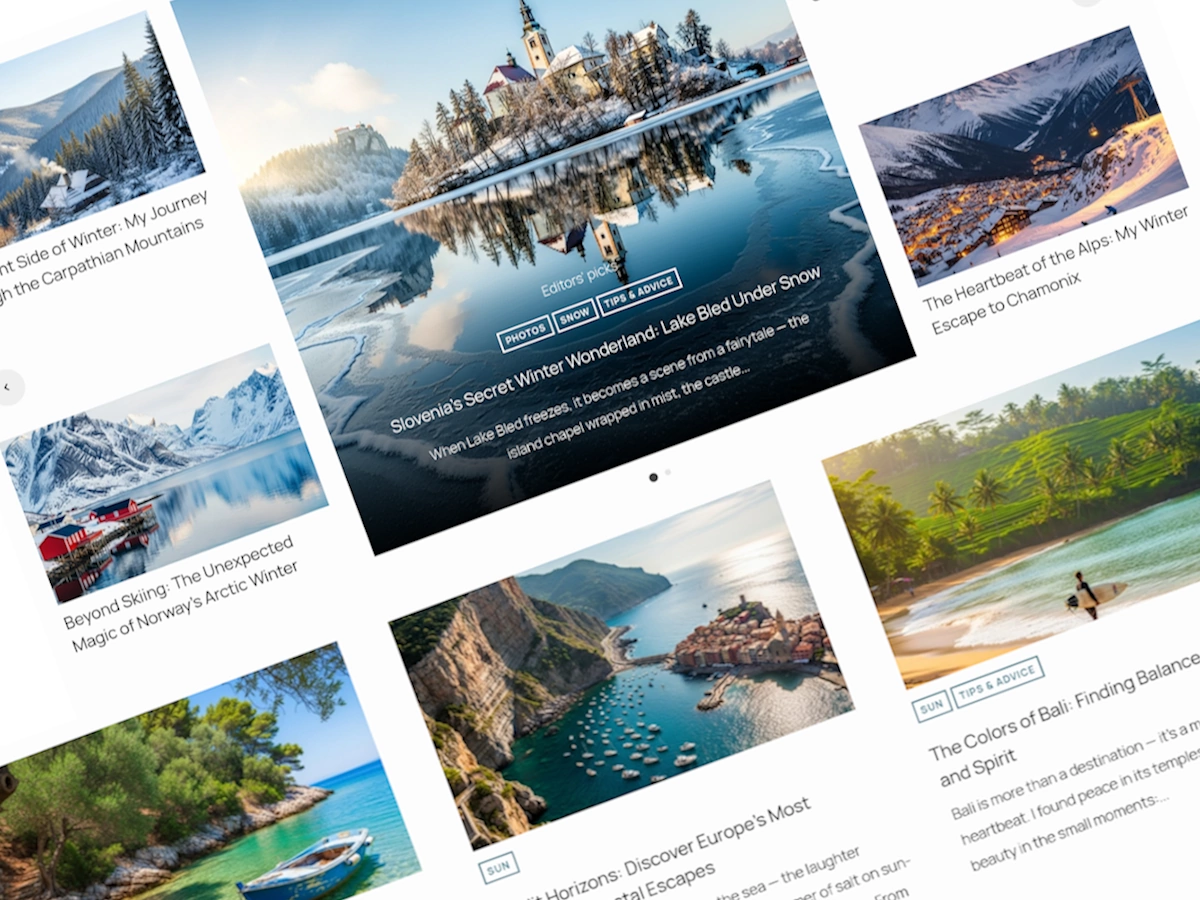
Transform how you showcase content on your site. With Ultimate Posts Display Plugin, you gain complete control over how posts, pages, or custom post types appear, without writing a single line of code. This plugin combines powerful flexibility with an intuitive visual builder, letting you create professional grids, carousels, magazine-style layouts and more in minutes.
Whether you’re a blogger, business owner, content manager, or developer, this tool is designed to make displaying your content easy, beautiful and fully customisable.
Why Ultimate Posts Display?
If you’ve ever struggled with limited post display options or had to wrestle with theme settings and custom code, you’ll immediately see the difference. Ultimate Posts Display is designed to solve the problem of rigid, uninspiring content layouts by offering three smart ways to display posts:
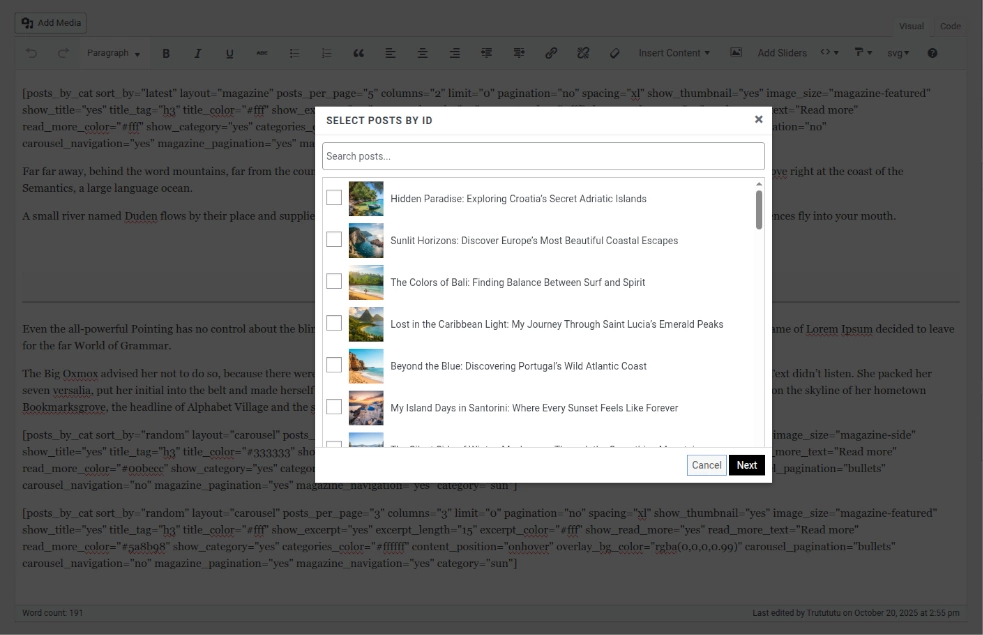
- Hand-picked posts: Curate exactly the content you want to highlight. Perfect for “featured posts”, staff picks, or promotional content.
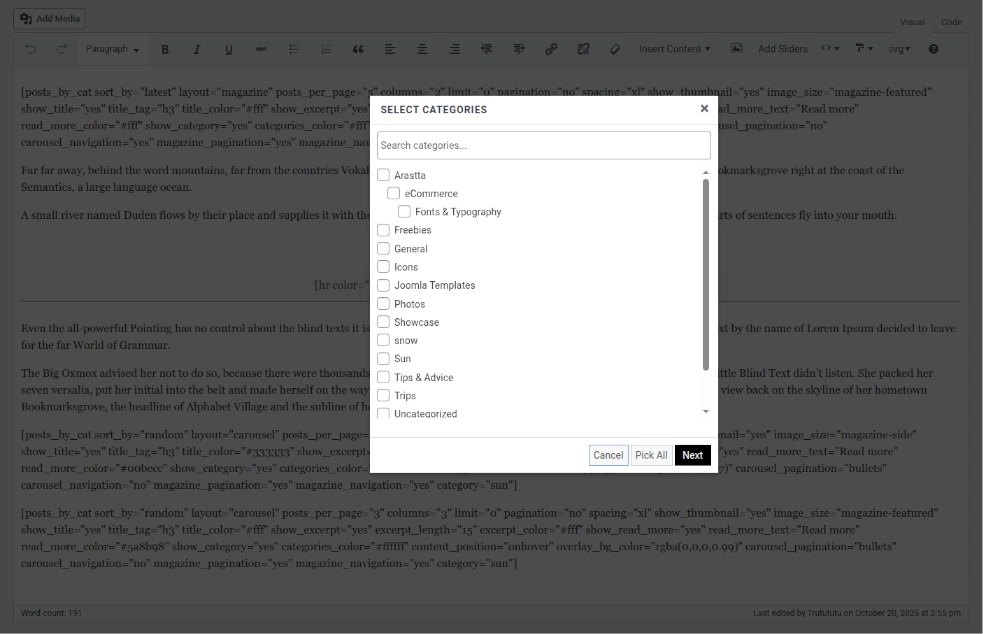
- Category-based displays: Automatically pull posts from selected categories so your content updates itself as you publish.
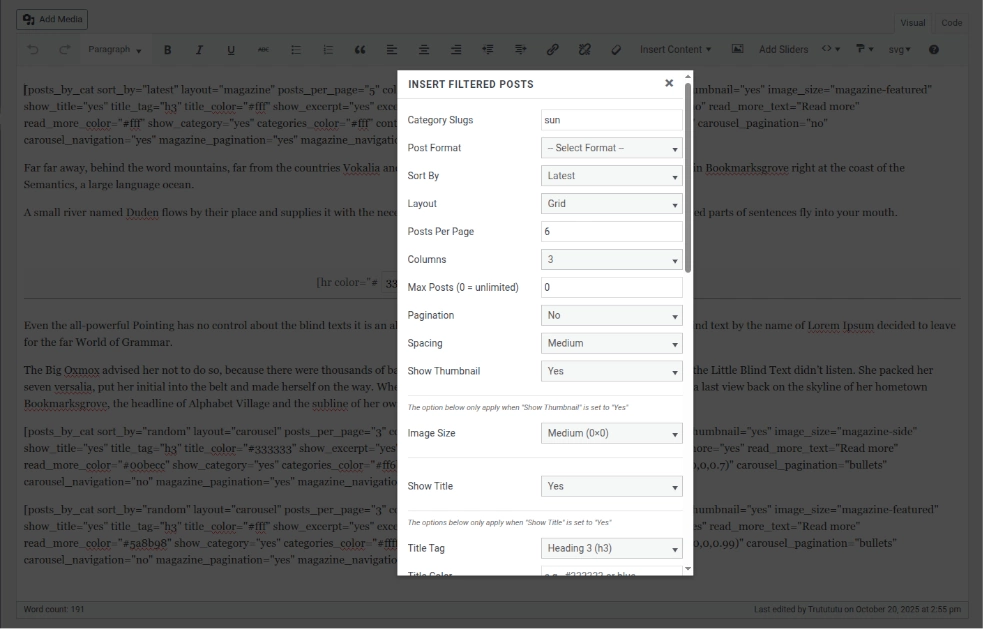
- Advanced filtering: Filter content by post type, taxonomy, custom fields, or post formats to display exactly what matters to your audience.
This three-in-one approach makes it simple to have complete control over your content while still benefiting from dynamic automation where it makes sense.
Flexible Layouts and Design Options
With six professional layout styles (Grid, News, Magazine, Carousel and Image Side layouts) you can create visually stunning sections for any type of content. Each layout is fully responsive, with column controls and mobile-optimised designs that ensure your posts always look great, no matter the device.
You also have complete styling control. Customise colors for titles, excerpts, buttons and overlay backgrounds. Adjust typography, spacing and heading tags to match your brand’s aesthetic. Add hover effects, transitions and interactive elements like pagination or carousel navigation. Multiple thumbnail sizes and aspect ratio options give you pixel-perfect control over images, ensuring your content is as visually appealing as it is functional.
Professional Layout Engine:
- 6 Layout Styles – Grid, News, Magazine, Carousel, Image Side layouts.
- Fully Responsive – Mobile-optimized and adjustable columns.
- Interactive Elements – Pagination, carousel navigation and hover effects.
- Custom Styling – Color pickers, typography controls, spacing system, overlay effects and animations.
- Image Optimization – Multiple thumbnail sizes and aspect ratio controls.
Advanced Content Control
Ultimate Posts Display isn’t just about looks, it’s about how your content is managed and presented. You can sort posts by latest, most popular, or random. Limit how many posts appear in each section and control excerpts, read-more links and metadata. Conditional logic ensures that only relevant options are displayed in your builder, reducing decision fatigue and keeping the interface clean.
For developers, the plugin supports custom fields, meta queries and advanced taxonomy filtering. You can even extend it to any custom post type, making it a robust foundation for complex sites.
Advanced Content Controls:
- Sorting – Latest, popular, or random.
- Conditional logic – Show/hide excerpts, metadata, or buttons.
- Meta queries – Support for custom fields and post formats.
- Extensible architecture – Compatible with custom post types and taxonomies.
- AJAX filtering – Live taxonomy and term updates.
User-Friendly Builder
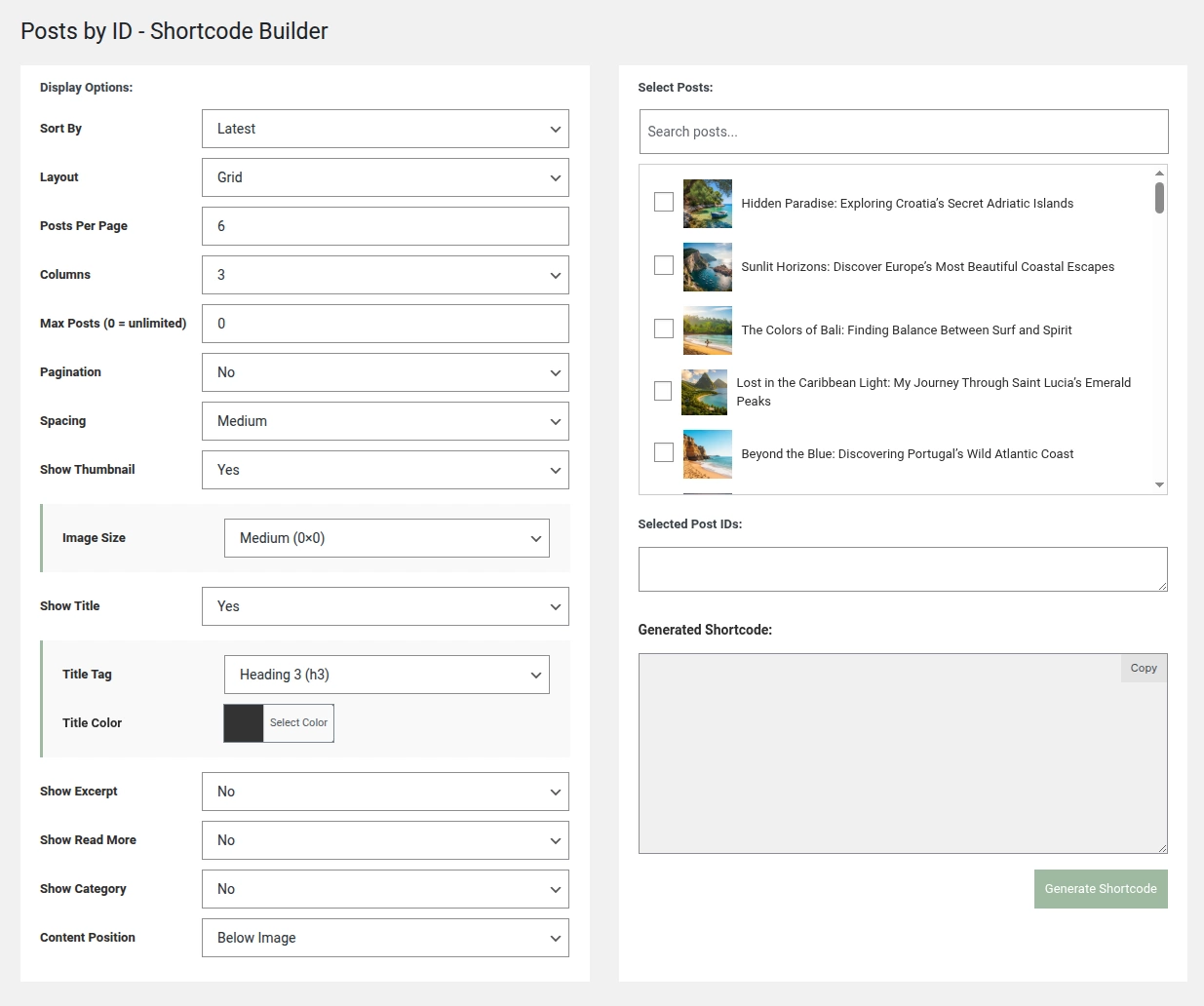
The heart of Ultimate Posts Display is its visual shortcode builder. Designed to be intuitive, it features a tab-based interface that separates tasks cleanly, so you never feel lost. Changes are previewed live, giving you immediate feedback on your design. Once your layout is ready, you can generate a clean, well-structured shortcode that works anywhere on your site.
For Classic Editor users, we’ve added a dedicated Insert Posts Display button directly in your editor toolbar. No more switching tabs, copying shortcodes, or worrying about syntax errors. Simply select your layout, click “Insert” and your post display appears instantly. This workflow is fast, seamless and completely natural.
Real-World Applications
Ultimate Posts Display works for almost any site scenario:
- Bloggers: Create curated “Editor’s Picks”, category-based magazine layouts, or popular content sections.
- Business websites: Highlight products, services, news, portfolios, or case studies.
- Content managers: Build dynamic landing page sections, implement advanced filtering, or curate content across multiple categories.
- Developers and freelancers: Quickly create custom post layouts for clients with clean, extensible shortcodes.
No matter your use case, the plugin turns complex post layouts into simple, visually appealing sections that are easy to manage and maintain.
Your content deserves to shine. No more fighting with clunky layouts, limited grids, or complex shortcodes. With Ultimate Posts Display, you can curate, automate and filter your posts with ease, presenting them in professional, engaging formats that enhance your site’s user experience.
Whether you’re a blogger, marketer, small business owner, or developer, this plugin gives you full creative freedom, total control and effortless execution. Finally, you can spend your time creating content instead of struggling to display it.
Your posts. Your way. Beautifully displayed.
Ultimate Posts Display Plugin
Transform the way you showcase content. With Ultimate Posts Display, you can create stunning, fully customisable post layouts. No coding required. Choose from grids, carousels, or magazine styles and control everything from filters to colors in one simple visual builder. Perfect for bloggers, businesses and developers alike.