
Once your payment is successfully processed and confirmed (typically immediately via PayPal), your WordPress theme will be available for download through your account on our website.
To download your theme:
- Log in to your account using the credentials provided during purchase.
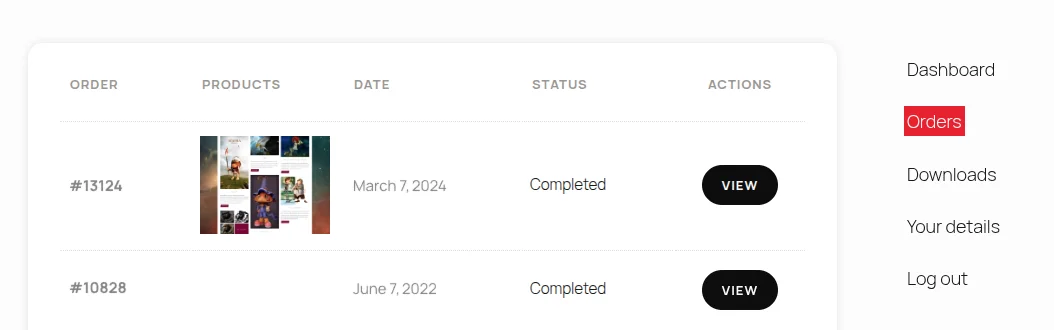
- Go to your Orders and click on View to see your order. There you will see a download link (with an icon)
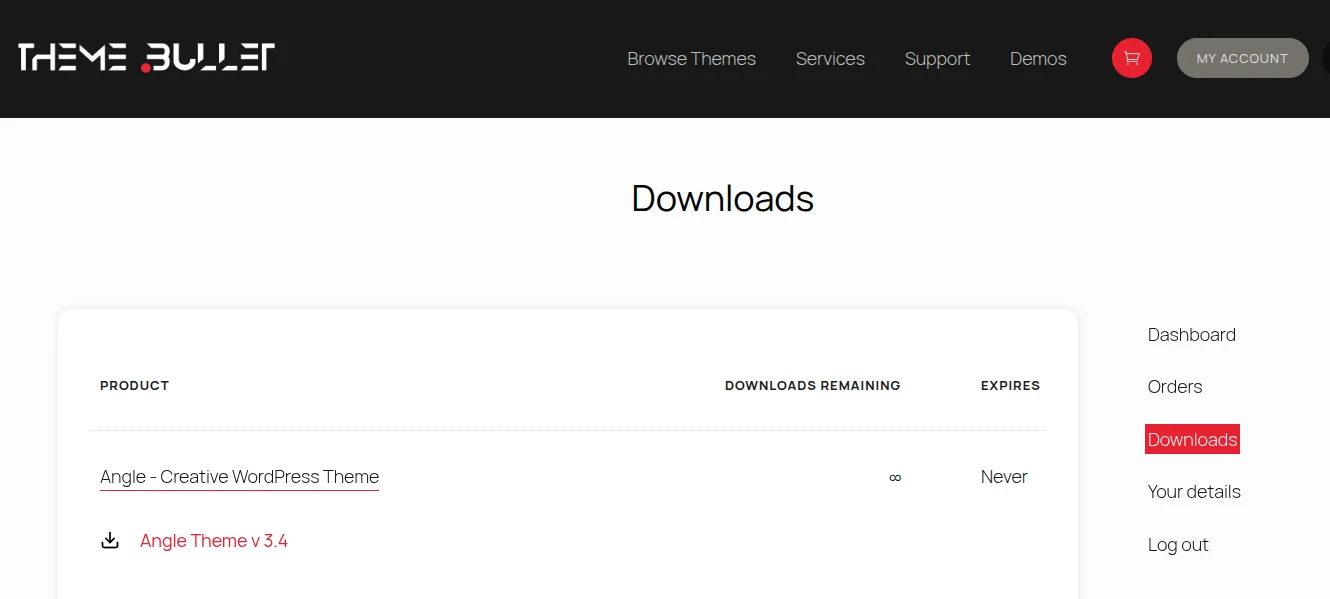
- Alternatively go to the Downloads section (right side)
- Locate your theme and click the download link.
If you experience any issues accessing your download, please contact us through the [contact page], and we’ll be happy to assist you.