
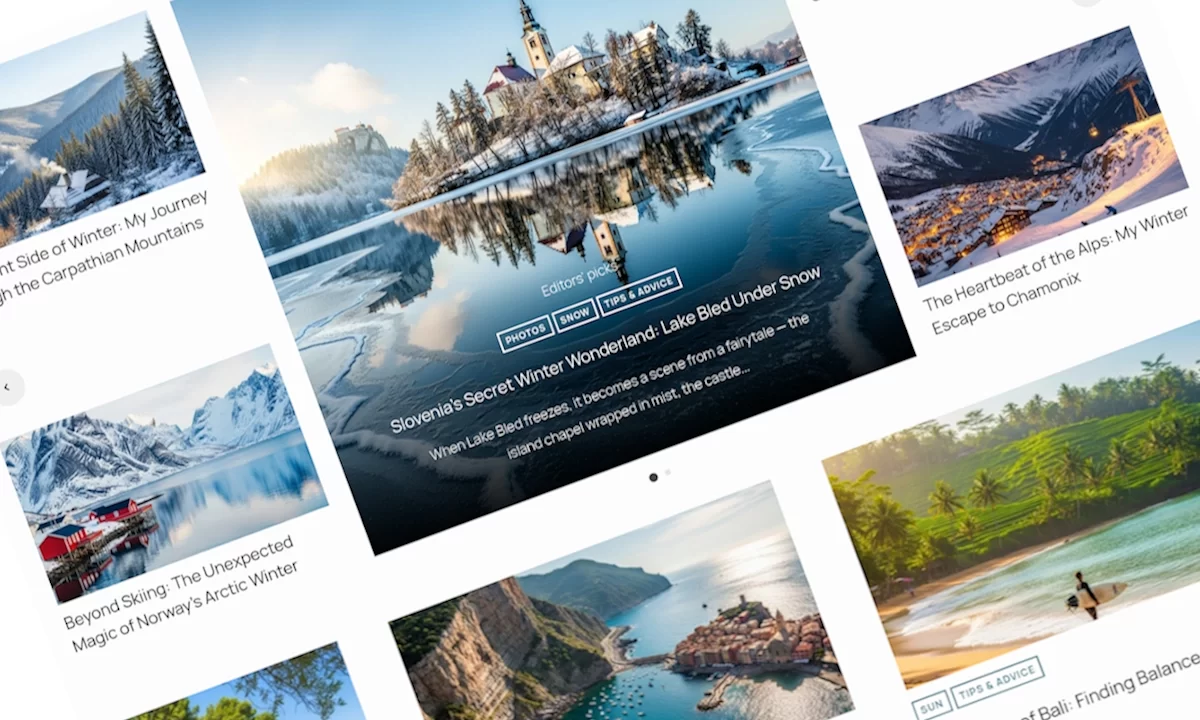
If you’ve ever spent far too long trying to get a simple grid of posts to look right in WordPress, you’ll understand why this plugin exists. We’ve all been there, fighting with theme options, tweaking shortcodes by hand or even writing custom PHP just to display posts the way we want.
We wanted something different. Something flexible, beautiful, and easy. That’s how Ultimate Posts Display was born.
Ultimate Posts Display WordPress Plugin Built For Real Projects
We originally built Ultimate Posts Display WordPress Plugin because we needed it ourselves for our production websites. Our themes required more flexibility and we needed to show posts in unique layouts. We wanted to be able to create featured sections like it would happen in real life projects. highlight products or build magazine-style pages without touching PHP every time Building website template or plugin that serves the purposes is the real challenge – as the are many options and scenarios of using it. We wanted something practical, not yet another plugin developed for the sake of plugin directory.
Over time, the tool became something we used in nearly every project. Whether it was a blog, a business site, or a client’s portfolio. We needed a way to display posts that was powerful for developers, yet simple for clients to manage.
So instead of keeping it just for our own use, we decided to release it publicly – because if we needed it, we knew others did too.
What Makes It Different
Ultimate Posts Display isn’t another “post grid” plugin that promises flexibility and then locks you into predefined templates. This one was built by developers who understand real-world projects and by designers who care about how things look just as much as how they work.
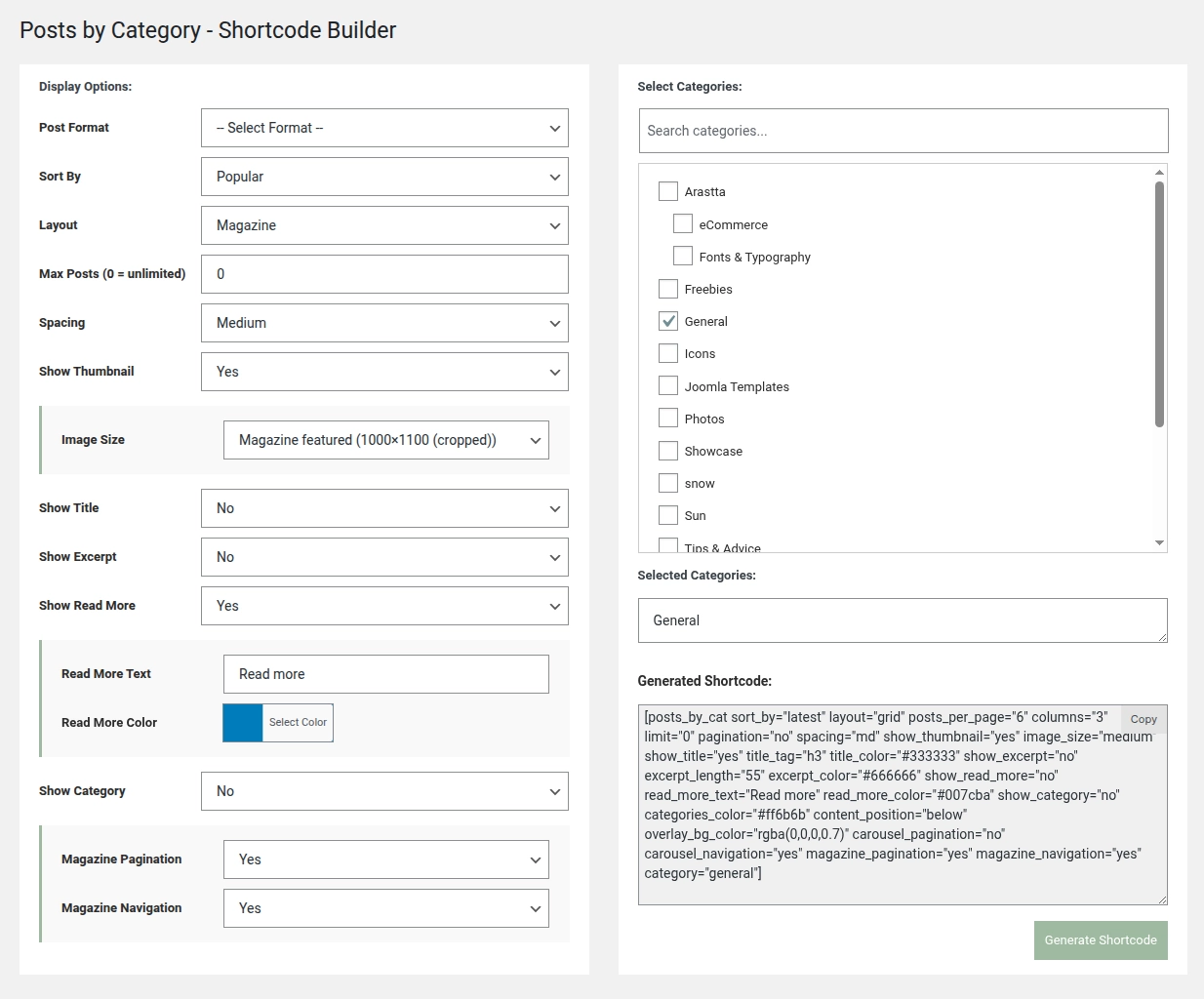
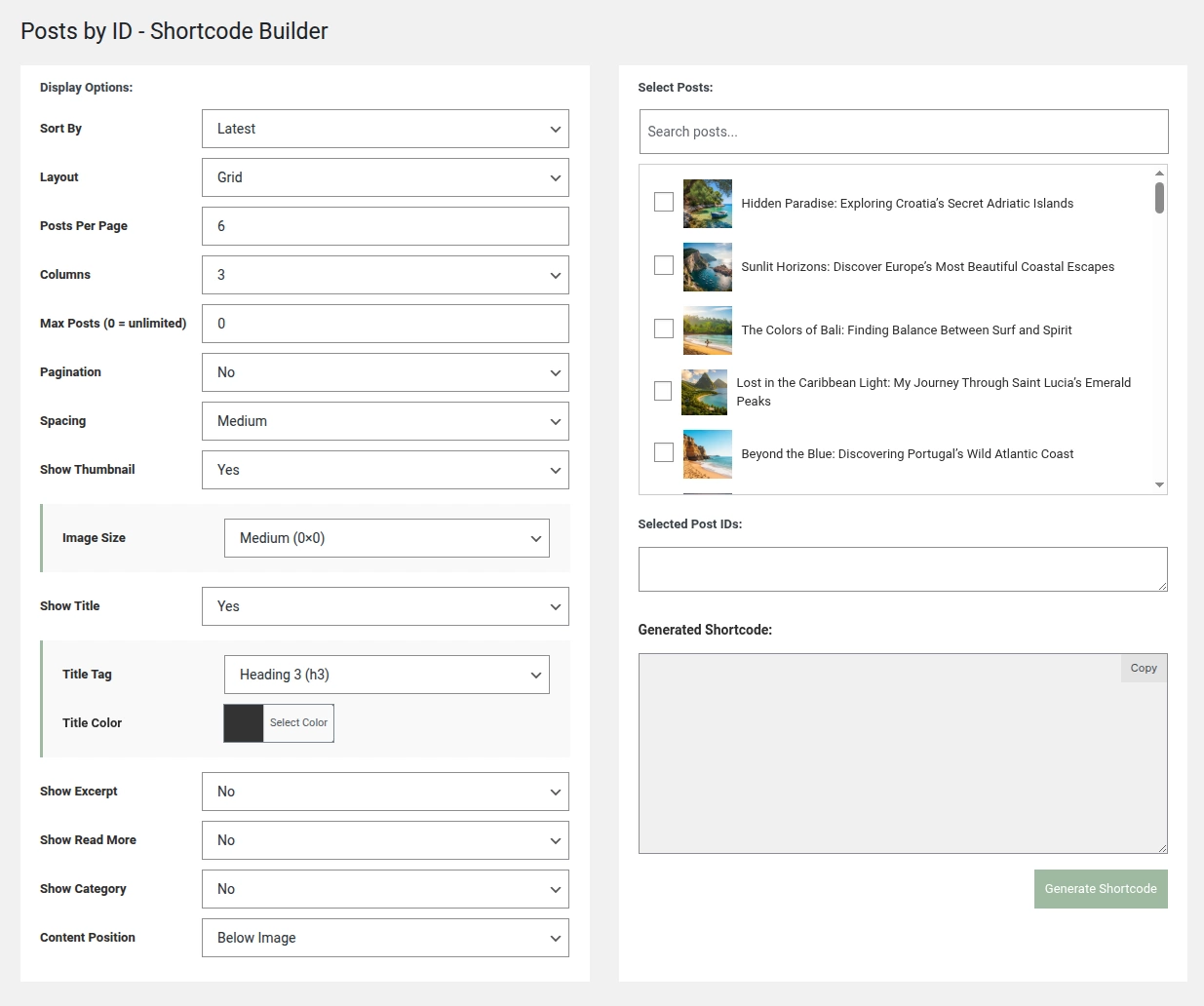
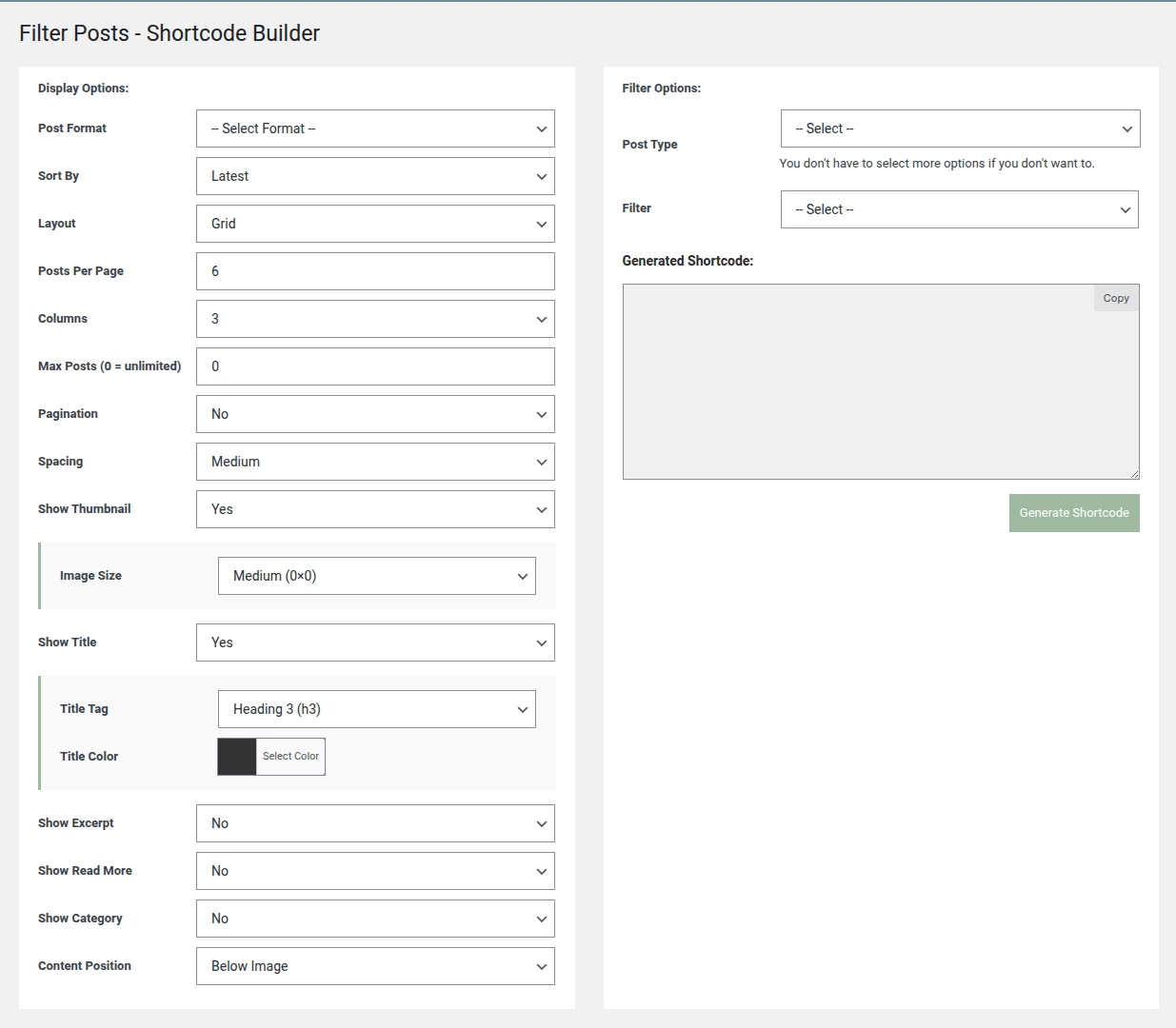
It combines three powerful display methods in one clean, intuitive interface:
- Hand-picked posts – curate your own content collections for full creative control.
- Category-based displays – automatically update as you publish new posts.
- Advanced filtering – target posts by type, taxonomy or custom fields.
Whether you’re a blogger building a “featured stories” section, a small business showcasing case studies or a developer handling multiple client sites, you can design post layouts that actually fit your needs, not the other way around.
Design Freedom Without the Coding Headache
We believe design control shouldn’t be limited to those who can code. That’s why Ultimate Posts Display gives you full creative freedom, from choosing layouts and column counts to setting typography, spacing and hover effects.
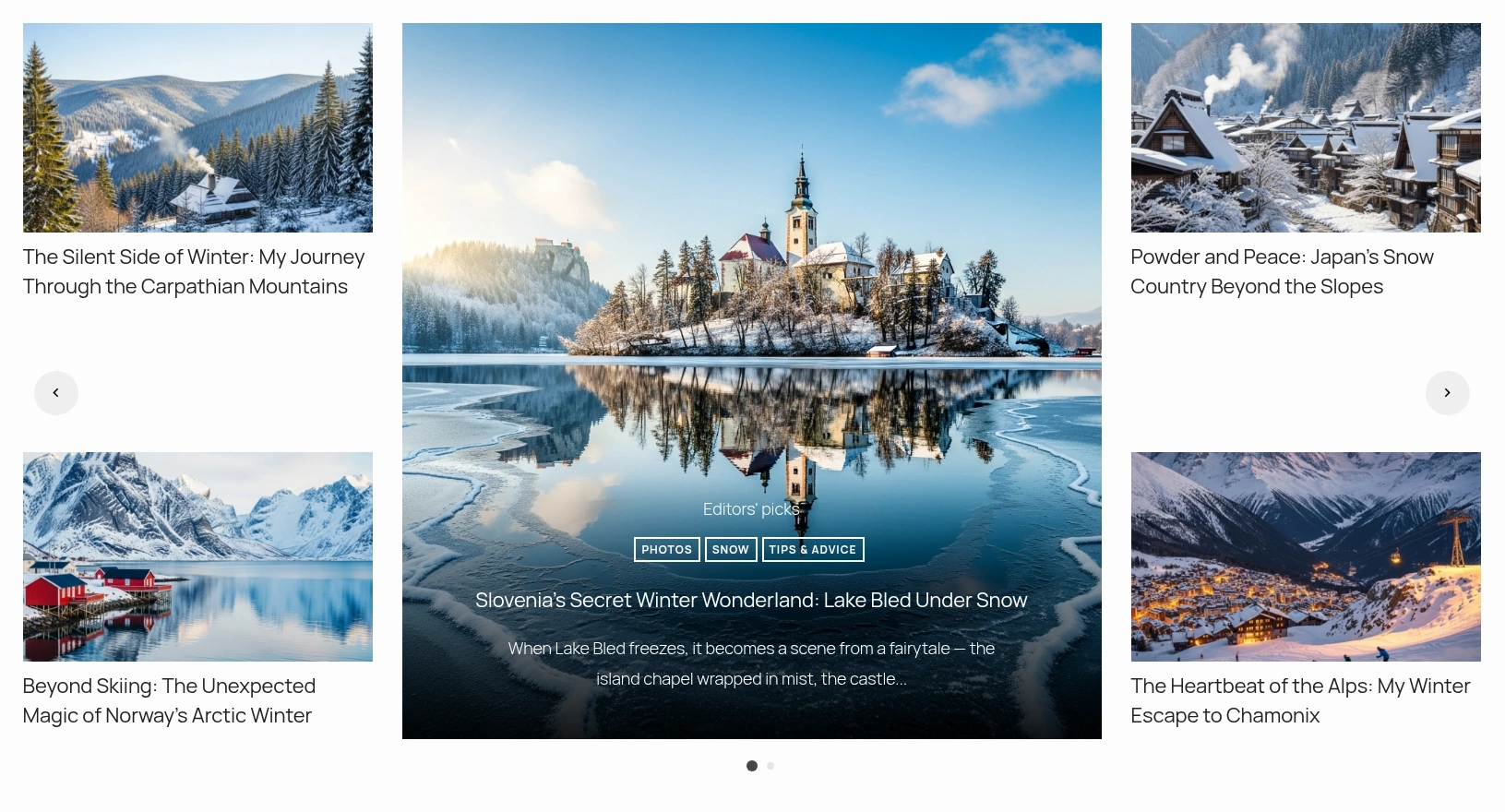
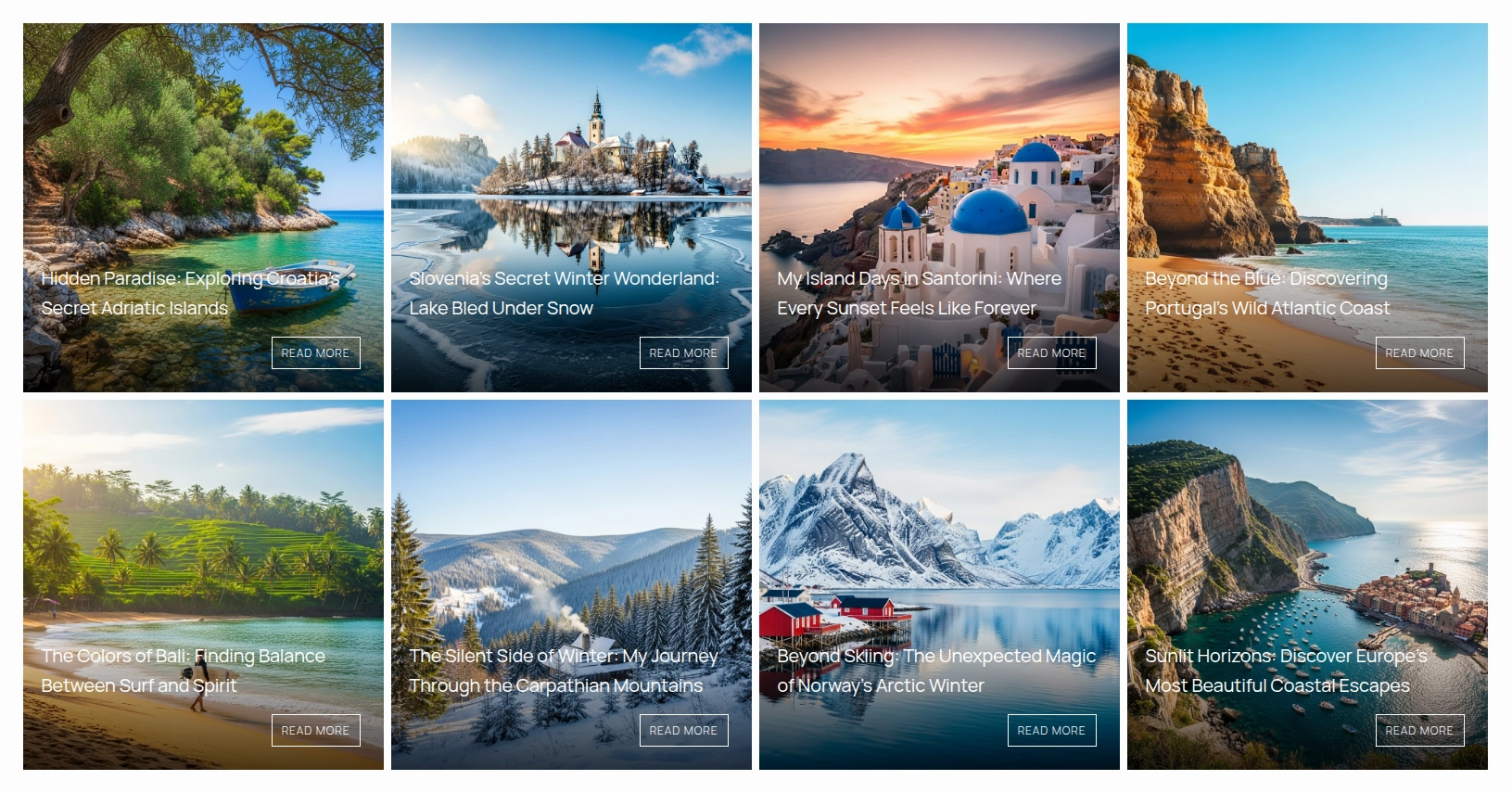
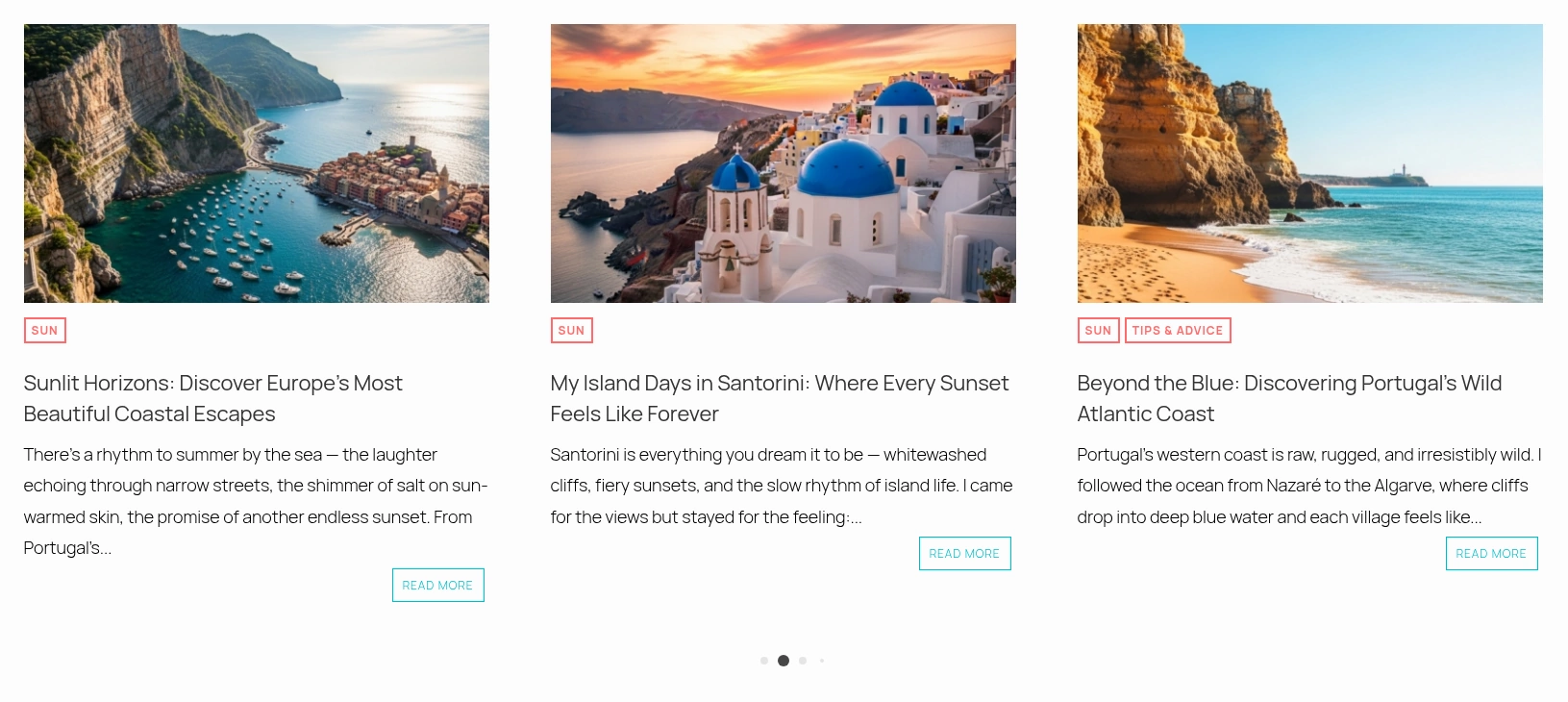
Six professionally designed layout styles (Grid, News, Magazine, Carousel, and Image Side) make it easy to match any theme. You can customize every color, title, button, and overlay using simple visual controls. The responsive design ensures everything looks perfect on desktop, tablet and mobile without extra effort.
Need to change the image size, order or spacing? Just tweak the options and regenerate your shortcode – no CSS editing required.

A Plugin That Respects Your Workflow – Classic Editor Friendly
We also know not everyone has switched to the Block Editor and that’s fine. Many of us still prefer the Classic Editor for WordPress because it’s fast, familiar and reliable. That’s why we made sure Ultimate Posts Display integrates seamlessly with both.
If you use the Classic Editor, you’ll find a dedicated “Insert Posts Display” button right in your toolbar. Click it, select your layout, and it inserts the shortcode automatically. No tab-switching, no copying and pasting, no syntax errors – just your content, instantly displayed.
Safe, Honest and Developer-Friendly WordPress Website Solution
We take pride in keeping things clean. Ultimate Posts Display for WordPress powered websites contains no advertising, tracking or hidden links. It can be used on client websites, personal websites and commercial projects alike.
We don’t encode links, insert external calls or add promotional banners. What you see in your admin panel is exactly what you get. You stay in control.
This isn’t a marketing tool disguised as a plugin – it’s a developer’s utility made for professionals who value transparency, performance and reliability. We decided to release it to community for free. If you appreciate it please do let us know and perhaps support us buy checking out our WordPress themes.
Why Developers Love It
Under the hood, Ultimate Posts Display is a robust shortcode generator powered by the full range of WP_Query parameters. It supports custom post types, taxonomy filters, meta queries and AJAX-powered loading for smooth, dynamic updates.
You can easily extend it through hooks and filters, giving you the flexibility to adapt it for any site, from a personal blog to a large business directory.
The shortcode output is clean and readable, making it ideal for developers who want a solid foundation without reinventing the wheel every time they build a post display.
Real Use, Real Results
We built this plugin for our own themes and we still use it in production every day. It’s become a go-to solution in our workflow because it saves time, keeps designs consistent, and lets us build complex post layouts without custom coding for every new project.
Clients love it because they can easily manage and update their own featured sections. Developers love it because it replaces hours of repetitive work with a single, elegant builder.
Ultimate Posts Display bridges the gap between power and simplicity. It gives you the control of custom code with the ease of a visual builder, a plugin that’s strong enough for developers, but friendly enough for anyone to use.
If you value clean code, honest tools, and total design freedom, this plugin was made for you.
Because sometimes, the best tools aren’t the ones with the loudest ads – they’re the ones quietly powering the websites that just work.
 Happy Halloween! 35% Off Any Theme